ERP Data Migration: When to Start Planning Your Integrations
The connection can wait for the new ERP. The thinking and the data work should not.
The connection can wait for the new ERP. The thinking and the data work should not.
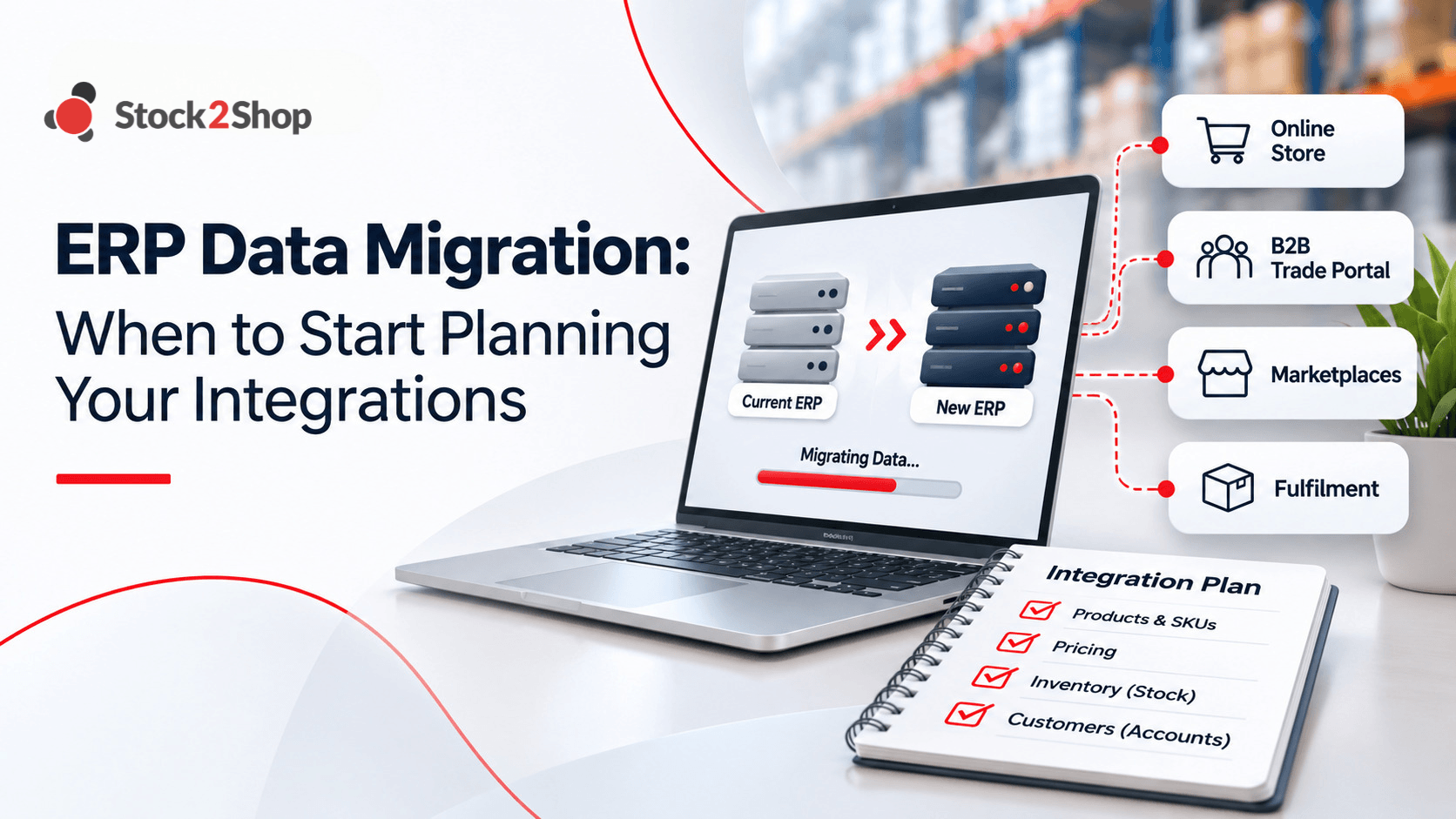
If you are running an ERP migration or implementation, the most practical time to plan your ecommerce and marketplace integrations is during it, not after go-live.
That runs against a very reasonable instinct. A CIO or CTO in the middle of an ERP project is already managing finance sign-off, process redesign, user training, a cutover date and a business that still has to trade every day. Anything that looks like a second project gets parked until the first one is finished.
Integration preparation is not really a second project, though. Most of it is data work: getting products, stock, pricing and customer records clean, consistent and correctly structured. That is the same work your ERP data migration already demands. If you do it once, with your sales channels in mind, you avoid opening the same data up for a second round of clean-up a few months after go-live.
This article explains why integrations tend to be left until last, where ERP data migration and integration preparation overlap, what can run alongside your migration and what genuinely has to wait for the new ERP.
Integration usually gets deferred for three understandable reasons, and only one of them holds up.
The project is scoped around the ERP itself. Migration plans focus on finance, inventory, purchasing and reporting. The online store, the B2B ordering portal and the Takealot or Amazon listings sit outside that scope, so nobody owns the question of what they will need from the new system.
The team is already at capacity. Adding anything to a live ERP project feels like adding risk. Deferring it looks like the safe choice.
Some integration work genuinely needs the new ERP in place. This is the reason that holds up. You cannot connect to a system that does not exist yet, and you cannot test order flows against an ERP that is still being configured.
The problem is that the third reason gets applied to everything. Building and testing the connection has to wait. Deciding what data your channels need, and preparing it, does not.
By the time a business has asked whether it is the right time to integrate, it usually already has several channels depending on the ERP. A migration does not remove that dependency; it changes the foundation underneath it.
Migration planning question: Does anyone on your ERP project own the question of what your online store, B2B portal and marketplaces will need from the new system?
In most software projects, data is the most time-consuming part of the work. ERP migration and ecommerce integration are no exception, and they depend on largely the same data.
A typical ERP data migration involves:
Now look at what an online store, B2B portal or marketplace needs from the ERP. It needs unique item codes that match exactly across systems, a clear relationship between products and their variants, sensible categories, accurate prices per customer group and reliable stock figures per warehouse. Our guide to product data for ecommerce covers the full list.
The overlap is substantial. When your team is already deciding how items will be coded and categorised in the new ERP, it costs very little extra to ask one more question: will this structure also work for our sales channels?
Asked later, the same question means reopening data that has just been signed off, in a live system, while the business is still adjusting to it.
The practical way to fold integration preparation into your migration is to add a channel view to each data decision you are already making. The table below shows where the two overlap.
| Data area | What the ERP migration already requires | What your sales channels also need |
|---|---|---|
| Item codes (SKUs) | Clean, unique codes; duplicates and obsolete items removed | The same codes used on every channel, matching the ERP exactly, with no duplicates |
| Products and variants | Item structure defined in the new system | A clear product-to-variant relationship (size, colour, pack size) that channels can display |
| Categories and attributes | Item groups for reporting, purchasing and finance | Categories and attributes that can drive online navigation and filters |
| Pricing | Price lists and customer pricing rebuilt for the new ERP | Correct prices per channel and per customer group, including trade pricing for B2B buyers |
| Stock and warehouses | Warehouse and location codes restructured | Agreement on which warehouses feed which channel’s available stock |
| Customer accounts | Debtor accounts, terms and contacts migrated | Account details your B2B ordering portal uses to show each customer the right pricing and terms |
| Orders | Open orders and history moved or archived | Agreement on how web and marketplace orders will be captured in the new ERP |
Two areas deserve particular attention.
Most ERPs let you add custom attributes such as category, product type and brand. A migration is the cheapest moment to get them right, because you are rebuilding the item table anyway.
Well-structured categories help purchasing, reporting and forecasting inside the ERP, and they give your online channels a consistent structure to draw from. We cover this in more detail in the importance of item categorisation in your ERP.
Integrations generally match products between systems on item code. If codes change during migration and the online store is not updated to match, products stop updating.
Decide early whether codes will stay the same, and if they will not, keep a mapping of old codes to new ones. Your web developer and integration partner will need it; our checklist on preparing a website for integration explains why exact matching matters.
Migration planning question: Will your item codes stay the same in the new ERP, and if not, who maintains the old-to-new mapping?
Most integration preparation can run in parallel with the ERP project, because it is decision-making and data work rather than technical build. Only the connection itself, and its testing, has to wait.
| Can run alongside the migration | Has to wait for the new ERP |
|---|---|
| Listing every channel that reads from or writes to the ERP | Connecting the integration to the new ERP |
| Agreeing item code, product and variant structure | Testing product, stock and price updates end to end |
| Cleaning categories and attributes | Testing orders flowing from each channel into the ERP |
| Deciding where product enrichment will live: in the ERP or on the channel | Final checks on customer-specific pricing |
| Mapping warehouses to channels | Switching channels over at cutover |
| Agreeing how online orders should be captured in the new ERP | Retiring connections to the old ERP |
| Simplifying the integration workflow | Monitoring the first live syncs and orders after cutover |
This split matters because, in our experience, building the connection is rarely what takes the time. Getting the data ready is. As we explain in integration: what to expect, the deployment itself is relatively quick once the data is prepared. Completing that preparation during the migration means it is done once.
A migration is also a natural moment to simplify. Workarounds that grew up around the old ERP, such as manual price overrides on the website or a spreadsheet feeding stock to a marketplace, can be retired rather than rebuilt.
Each step that remains should reduce data capture, systems touched or room for error — the test we set out in integration workflow: keep it simple.
The best time to start integration conversations is when your ERP data migration plan is being written, so that channel requirements shape it from the start. The next best time is any point before your data is signed off.
Three timing questions are worth settling early.
What happens to your channels on the day you switch ERP? If the online store, B2B portal and marketplaces have nothing connected to the new system at go-live, someone has to bridge the gap. That usually means stock levels updated by hand and online orders keyed into the new ERP manually, in the same weeks your team is learning the new system. That is precisely the manual workload, and the risk of overselling and pricing errors, that integration exists to remove.
Big-bang or phased? In a single cutover, every channel switches to the new ERP at once, which concentrates risk on one weekend. A phased approach can move lower-risk channels first, for example a B2B portal used by a small group of trade customers, before the higher-volume store or marketplace. Either works, but the choice affects how integration testing is scheduled, so it should be made with your integration partner in the room.
Are you avoiding peak trading? For most South African retailers and suppliers, Black Friday and the festive season are the worst possible time to change the system your channels depend on. Many businesses also avoid financial year-end. Plan cutover, and the integration testing just before it, for a quieter trading window.
Migration planning question: What is the plan for each sales channel on cutover day, and who tests it?
Stock2Shop connects ERP and accounting systems to ecommerce stores, B2B ordering, marketplaces and fulfilment partners, automating the flow of product, stock, price and order data between them.
Supported systems are listed on our integrations page; connector capabilities vary, so we confirm what applies to your setup during scoping.
If you are planning or running an ERP migration, involving us early means:
Use these questions at your next migration steering meeting. If nobody can answer one, that is a gap worth closing before data sign-off.
| Area | What to ask |
|---|---|
| Connected systems | Which systems read data from the ERP or write data to it today: online store, B2B portal, marketplaces, warehouse or fulfilment partners? |
| Ownership | Who owns each of those connections, and how is each one built? |
| Item codes | Will item codes stay the same in the new ERP? If not, who maintains the old-to-new mapping? |
| Products and variants | Is the relationship between products and their variants defined in a way the channels can use? |
| Categories and attributes | Are categories and attributes being restructured, and has anyone checked the result against how products are grouped online? |
| Product enrichment | Where will product enrichment (web titles, images, long descriptions) live after migration? |
| Warehouses | Which warehouses will supply stock figures to which channels? |
| Pricing | Will customer-specific and trade pricing be rebuilt in a way your B2B channel can present correctly? |
| Orders | How will online orders be captured in the new ERP? A common pattern is one default account for retail web orders and each trade customer’s own account for wholesale orders, as described in ERP integration for efficient ecommerce. |
| Cutover | What is the plan for each channel on cutover day, and who tests it? |
The aim is not to add a second project. It is to make sure the data decisions your migration team is already making also work for the channels you sell through.
Waiting until the ERP project is finished feels like the low-risk option, but it usually means cleaning and restructuring the same data twice and running channels by hand while the new system beds in.
The connection can wait for the new ERP. The thinking and the data work should not.
Add one question to every data decision your migration team makes: will this also work for the channels we sell through? That single habit avoids much of the duplicated effort.
If you are planning or already in the middle of an ERP migration, talk to Stock2Shop about your sales channels and data requirements, so integration preparation becomes part of your migration rather than a second project afterwards.
Keep up to date with ecommerce news, trends and articles. Brought to you by Stock2Shop.
Sign up todayWant to find out exactly how Stock2Shop can make your business more efficient and streamlined?
Contact Us