Fulfilment Connector
Takealot Fulfilment Solutions (TFS) Integration
Connect TFS to your ERP, Shopify, WooCommerce, Takealot Marketplace and Amazon Stock2Shop offers a fully featured fulfilment integration with Takealot Fulfilment Solutions (TFS), the standalone logistics business launched by the Takealot Group in 2025, formerly known as M24 Logistics.

If TFS holds your stock, Stock2Shop keeps it in sync with your business
Takealot Fulfilment Solutions is the standalone fulfilment arm of the Takealot Group. It runs eight fulfilment centres, 125 last-mile hubs, and 46,000 square metres of dedicated e-commerce warehouse space across South Africa and 30 other African countries. For online retailers, distributors and brands, it offers serious capacity without the overhead of running your own warehouse.
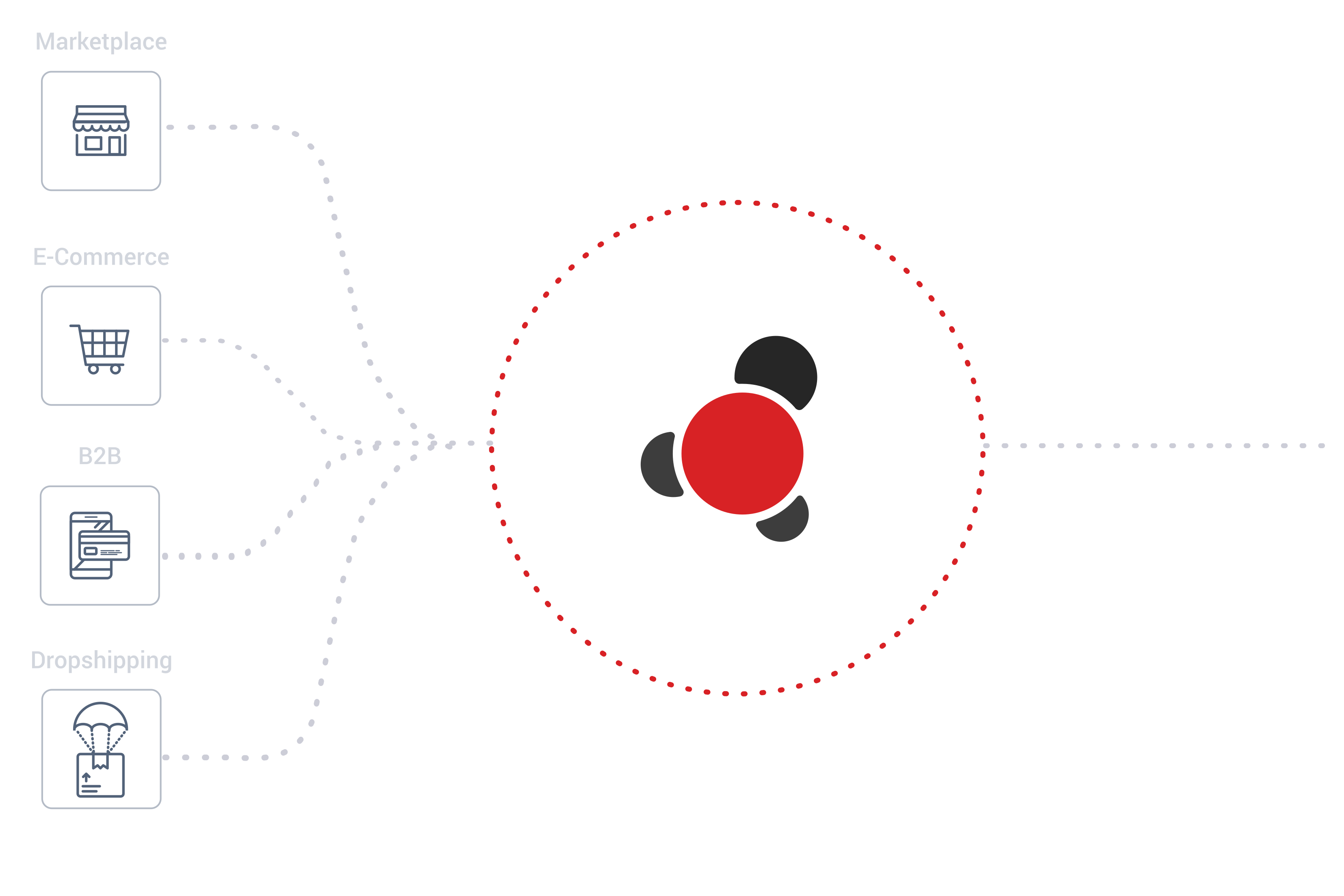
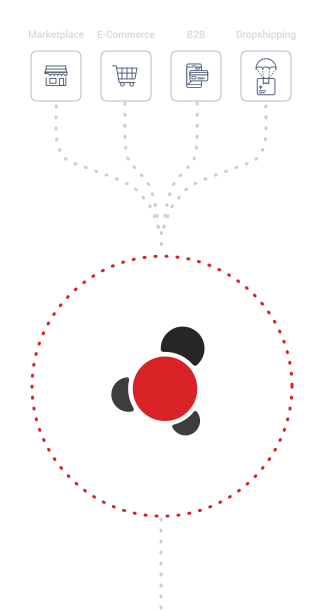
What it does not do is reconcile itself with your ERP. That is what Stock2Shop solves. Stock2Shop sits between TFS and the system you run your business from (your ERP or accounting platform) and between TFS and the channels you sell on. The result is one source of truth for inventory across the warehouse, your books, and every storefront, with no manual stock uploads, no end-of-day spreadsheets, and no overselling.

TFS
Nationwide coverage
8 fulfilment centres, 125 last-mile hubs, 46,000m² of e-commerce warehouse space across 30+ African countries
Full sync coverage
Outbound orders, inbound goods receipts, stock confirmation, warehouse adjustments and stock sync, all handled automatically
Works with your stack
Syspro, SAP Business One, Acumatica, the Sage range, Omni Accounts, Xero, DEAR Inventory and every sales channel you run
No manual work
No manual stock uploads, no end-of-day spreadsheets, and no overselling
How the TFS integration works
1. Scoping your stack
Stock2Shop reviews your ERP, sales channels and TFS setup, then confirms the field mapping needed for products, pricing and orders to flow correctly between systems.
2. Connector setup
Stock2Shop connects to your ERP using the right ERP connector and to TFS via TFS's API. Both ends are configured during onboarding, with no custom development for standard outbound fulfilment flows.
3. Live order flow
Once live, orders flow through Stock2Shop and your ERP to TFS for fulfilment. Status updates, inbound goods receipts, stock levels and warehouse adjustments sync automatically across all connected systems.
- Faster onboarding
- No custom code for standard flows
- Automated, accurate and always in sync
What syncs, and when
Outbound orders
When a customer places an order on a connected sales channel, Stock2Shop sends the outbound order to TFS for picking and dispatch. The corresponding invoice is sent to your ERP, either before or after dispatch, depending on configuration.
Inbound receipting
Once TFS receipts the goods and confirms the count, that confirmed quantity flows back into your ERP and out to every connected sales channel.
Fulfilment completion
When TFS dispatches the order, Stock2Shop creates the Shipment / Fulfilment record and marks it complete across your connected systems. (Channel-level status updates beyond completion are not currently pushed by Stock2Shop.)
Stock sync
Inventory levels stay aligned across TFS, your ERP, and every sales channel automatically: no manual uploads, no scheduled exports, no end-of-day batches.
Inbound orders
When stock is being delivered to TFS from a supplier or distribution centre, Stock2Shop sends the expected inbound order to TFS so the warehouse knows what to receive.
Warehouse adjustments
Write-offs, cycle counts, transfers and any other stock adjustments made in TFS sync back to your master system automatically.
Every system you already run
Stock2Shop's TFS connector pairs with every major ERP and accounting platform we support.
Every ERP TFS fulfilment works with
The standard outbound fulfilment flow works on every ERP and accounting system Stock2Shop supports:
 Acumatica
 Custom database
 DEAR Inventory
 Dolfin
 Flat file data source
 IQ Retail
 iSync
iSync
 Microsoft Dynamics NAV
 Omni Accounts
 Sage 100 Evolution
Sage 200 Accounts UK
Sage 200 Evolution
Sage 300cloud
Sage 50 Accounts UK
Sage 50cloud Pastel Partner
Sage 50cloud Pastel Xpress
Sage Business Cloud Accounting
Sage Intacct
Sage X3
Sage 100 Evolution
Sage 200 Accounts UK
Sage 200 Evolution
Sage 300cloud
Sage 50 Accounts UK
Sage 50cloud Pastel Partner
Sage 50cloud Pastel Xpress
Sage Business Cloud Accounting
Sage Intacct
Sage X3
 SAP Business One
 SYSPRO
 Xero
XeroSee supporting information
Features
Stock2Shop is an efficient way to integrate your ERP or accounting system with your B2B and B2C sales channels. Take a look at all the features that our integrations can provide.
View FeaturesTechnical Documentation
Find all the concepts and technical information you need to start integrating the Stock2Shop system. Our highly skilled team is available for email support, and we’ll happily answer any questions you may have.
View Technical DocsFrequently Asked Questions
What is Takealot Fulfilment Solutions and how is it different from M24?
Takealot Fulfilment Solutions (TFS) is the rebrand of M24 Logistics. The Takealot Group launched TFS as a standalone fulfilment business unit on 30 July 2025. The operations, network and team are the same. The brand and entity structure changed. Existing M24 customers retain full service under the rebranded name. New customers should refer to it as TFS.
Is Takealot Fulfilment Solutions the same thing as Takealot Marketplace?
No. Takealot Marketplace is the Takealot Group's consumer ecommerce platform where customers buy products. Takealot Fulfilment Solutions (TFS) is the standalone logistics and fulfilment business that warehouses and dispatches stock. Both are part of the Takealot Group, but they are separate services. Stock2Shop has separate integrations for each. A retailer can use Stock2Shop's Takealot Marketplace connector to sell on takealot.com without using TFS, and can use the TFS connector to fulfil orders without selling on Takealot Marketplace.
What ERPs does Stock2Shop's TFS integration support?
The standard outbound fulfilment flow (orders routed from your sales channels through to TFS for picking and dispatch) is supported on every commercial ERP connector Stock2Shop has built. This includes Syspro, SAP Business One, Acumatica, the Sage range (200 Evolution, 300cloud, X3, Intacct), Omni Accounts, Xero, DEAR Inventory, IQ Retail, Microsoft Dynamics NAV, custom databases, and flat file sources. Two more advanced workflows (inbound goods receipts and stock adjustments) require ERP-side connector support built per-customer as part of the integration scope.
How are orders sent from my sales channels to TFS?
When a customer places an order on a connected sales channel, Stock2Shop sends the outbound order to TFS for picking and dispatch. Depending on configuration, the corresponding sales order or invoice is sent to your ERP either before or after the fulfilment is dispatched. When TFS dispatches the order, Stock2Shop creates the Shipment / Fulfilment record and marks it complete.
How does the inbound goods receipting process work?
The inbound flow starts with your ERP. When stock is being delivered to TFS from a supplier or distribution centre, your ERP sends Stock2Shop the expected inbound order. When TFS receipts the goods and confirms the actual count received, that confirmed quantity flows back into your ERP and out to every connected sales channel automatically. Online stock levels reflect reality the moment the warehouse has confirmed receipt.
How often does stock sync between TFS and my sales channels?
TFS pushes updated available stock levels to Stock2Shop via the dedicated stock sync. Stock2Shop then propagates those levels to your connected sales channels. The sync is automatic and continuous, with no manual uploads, scheduled exports or end-of-day batches involved.
Can I use TFS for fulfilment alongside my own warehouse?
Yes. A common setup is for one sales channel (e.g. Shopify) to route through TFS while another (e.g. the B2B Trade Store) routes through your own warehouse. By default, all orders from a given channel go to the fulfilment service connected to that channel. Stock2Shop does not split orders within a single channel between multiple fulfilment locations.
I am a current M24 customer. Do I need to change anything?
If you are a current M24 customer and you already use Stock2Shop for the integration, no changes are needed: the connector continues to work with the rebranded TFS. If you are an M24 customer not yet using Stock2Shop, the integration is the same regardless of whether you refer to the service as M24 or TFS. Contact Stock2Shop to scope your setup.
Book a free demo or contact us for more information.
We would love to take you through a no-obligation demonstration of how Stock2Shop passes data between systems. Fill out the form below, and a salesperson will be in touch to arrange a conference call, or to simply contact us for more information.